
Every ERP implementer has a drawer full of data migration war stories. I'll spare you mine — they all rhyme. The names change, the industries change, but the failure patterns are the same every single time. Learn the patterns and you can dodge nearly all of them.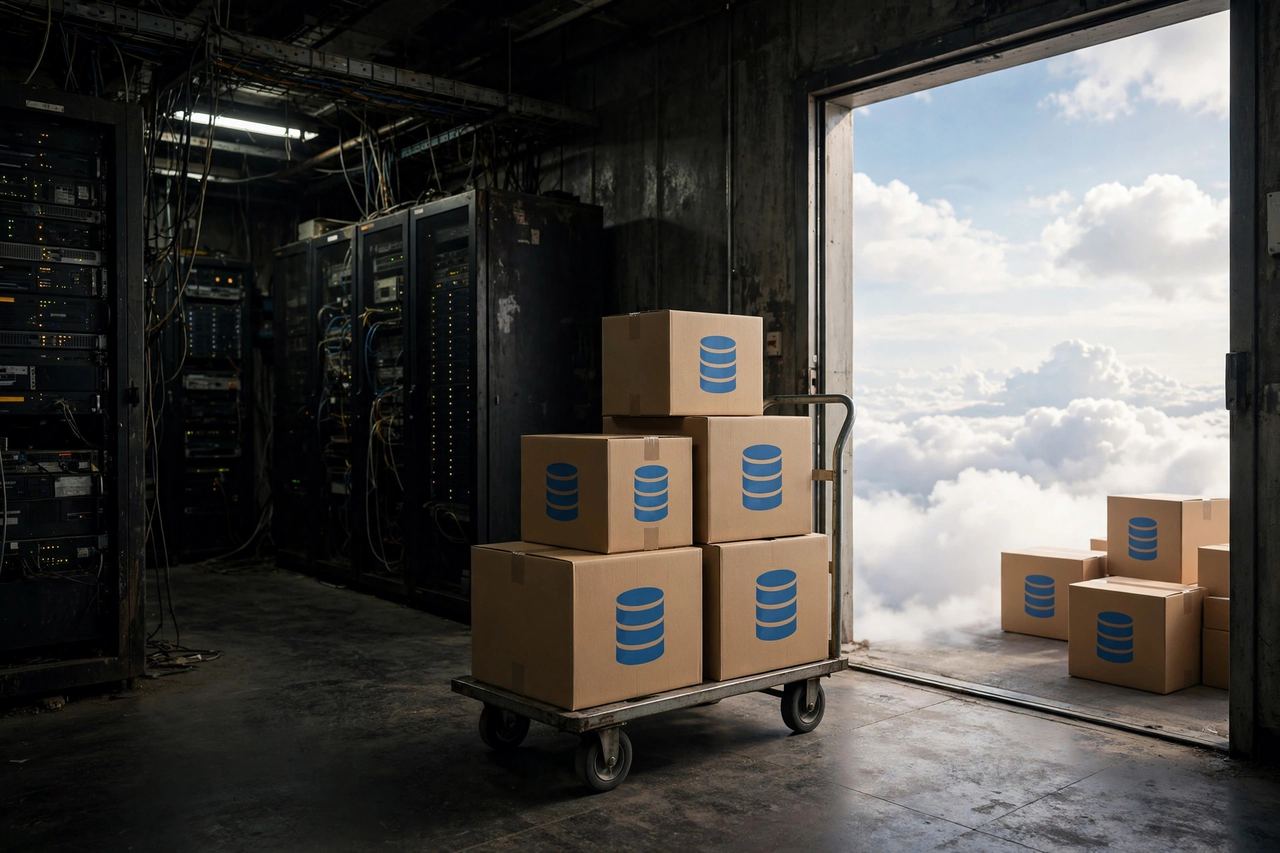
The dirty-data trap
Here's the uncomfortable truth about every migration: your data is worse than you think it is. Every company believes their data is "pretty clean." Almost none of them are right.
Duplicate customer records. Vendors with three different spellings. Items with no unit of measure. Open orders pointing at customers that were deactivated years ago. Chart of accounts with dead limbs nobody pruned. This stuff accumulates quietly for a decade, and it all surfaces the week you're trying to load it into a new system that is far less forgiving than the spreadsheet chaos everyone got used to.
The fix is unglamorous: start cleaning months before the migration, not weeks. Assign actual owners — a named human — to each data domain. Customers, vendors, items, open transactions, chart of accounts. If nobody owns it, nobody cleans it, and the migration team ends up doing archaeology at midnight the week before go-live. That never ends well.
The "we'll fix it in the new system" fantasy
This is the single most expensive sentence in ERP: "we'll clean it up after go-live." No, you won't. After go-live you're firefighting, training users, and closing your first month-end in a system nobody fully understands yet. Data cleanup drops to priority zero and stays there.
Bad data doesn't just sit there looking ugly. It breaks processes. Duplicate vendors mean duplicate payments. Wrong item setups mean wrong costing, which means your financials lie to you for months before anyone notices.
Rule: nothing goes into the new system that you wouldn't proudly show an auditor. If a record isn't worth cleaning, it isn't worth migrating — archive it or leave it behind.
The one-rehearsal mistake
A data migration is a performance, and you don't open on Broadway without rehearsals. Yet project after project does exactly one test migration, declares victory, and then discovers at go-live that the script nobody re-ran breaks on the production dataset.
Run at least three full rehearsal migrations. The first one finds the big structural problems. The second one validates the fixes and surfaces the weird edge cases. The third one is your dress rehearsal — timed, with the real team, on a production-like dataset. If the third rehearsal isn't boring, you're not ready.
Time each rehearsal, too. Migrations have a clock: the business can only tolerate so many hours of downtime while you cut over. If your rehearsal takes fourteen hours and your cutover window is a weekend, you have a math problem to solve before go-live, not during it.
The mapping nobody wrote down
Somewhere in every failed migration there's a spreadsheet — or worse, a conversation — where someone decided what "Customer Group B" in the old system maps to in the new one, and then nobody wrote it down. Six weeks later nobody remembers the decision, the mapping script does something different, and a few thousand records land in the wrong place.
Every field mapping gets documented: source field, target field, transformation rule, who approved it, and when. This isn't bureaucracy — it's the difference between a migration you can audit and one you have to redo. Your future self, staring at a reconciliation report at 2 AM, will thank you.
Pay special attention to the fields that look simple but aren't: dates (formats differ between systems and locales), currencies and decimal places, units of measure, tax codes, and anything with a status or flag. These are where silent corruption lives — the migration "succeeds" but the data means something different than it used to.
The reconciliation nobody did
A migration without reconciliation is just a hope with a script. For every major data domain, you need a before-and-after: record counts, key totals (open AR, open AP, inventory value), and spot-checks on a sample of records. If the numbers don't tie, you don't proceed. Full stop.
Build the reconciliation reports before the migration, not after. Decide in advance what tolerance is acceptable — and make it tight. A one-dollar difference in your trial balance is a red flag, not a rounding error. Small differences have a habit of being symptoms of big problems.
Open transactions deserve special respect
Master data gets all the attention, but open transactions are where migrations actually bleed. Open sales orders, open purchase orders, open AR and AP, inventory balances, work in process — these are living things with dependencies between them, and they have to land in the new system in the right order with the right statuses.
Migrate them in dependency order, and reconcile each layer before moving to the next. Items before BOMs. Customers and vendors before open orders. Open orders before you even think about historical transactions — and question hard whether you need history at all. Most companies migrate far more history than anyone will ever look at. Two years of summary history plus open items covers the vast majority of real business needs, and it dramatically shrinks your risk surface.
Frequently asked questions
Should we migrate all our historical data?
Probably not. Migrate open transactions and the summary history people actually use — usually one to two years. Archive the rest where it's searchable. Every extra year of detail history multiplies your mapping, testing, and reconciliation work for data nobody opens.
Who should own data cleanup?
Named business owners per data domain, not the IT team and not the implementation partner. The partner can provide tools and validation reports, but only someone in the business can decide whether "Acme Corp" and "Acme Corporation" are the same customer.
How many test migrations should we run?
At minimum three full rehearsals on production-like data, timed against your cutover window. If the last rehearsal isn't boring and on time, you're not ready for go-live.
What's the biggest hidden risk in SAP Business One or Odoo migrations?
The quiet fields: date formats, decimal places, units of measure, and tax code mappings. They migrate "successfully" while silently changing what the data means. Reconcile them explicitly or they'll haunt your first quarter close.
The bottom line
Data migration isn't a technical problem with a technical solution. It's a discipline problem. Clean data, documented mappings, rehearsed scripts, and ruthless reconciliation — that's the whole game. The projects that do the boring work have boring migrations, and boring migrations are the goal. Nobody ever got fired for a migration so smooth everyone forgot it happened.